
Are Learning Management Systems Truly Accessible?
When the shift to digital education accelerated, there was a widespread belief that technology would democratize the classroom.
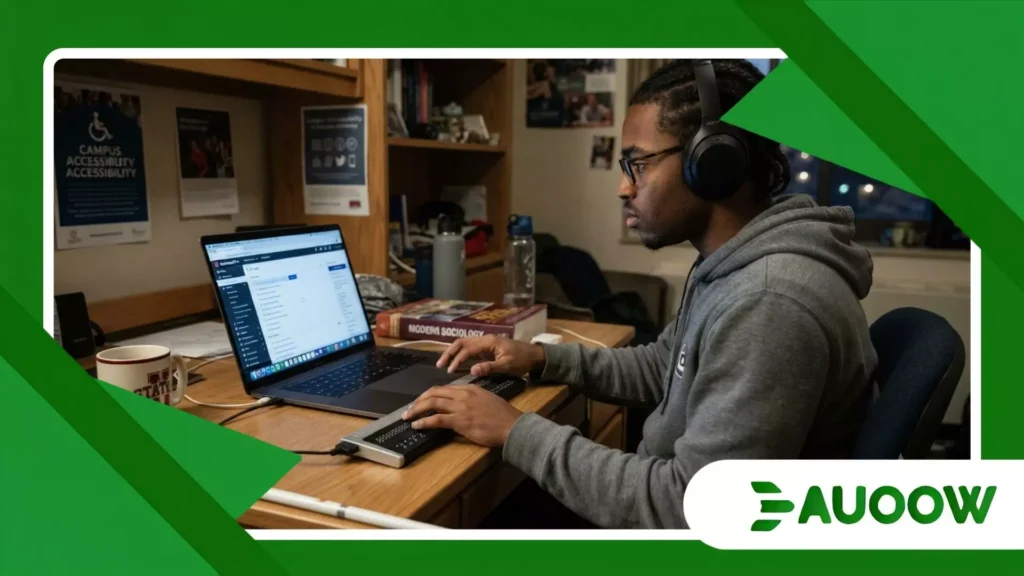
For students like Marcus, a twenty-two-year-old undergraduate with a severe visual impairment, that promise felt incredibly personal.
He sat at his desk on a Tuesday evening, his screen reader active, prepared to download a midterm syllabus.
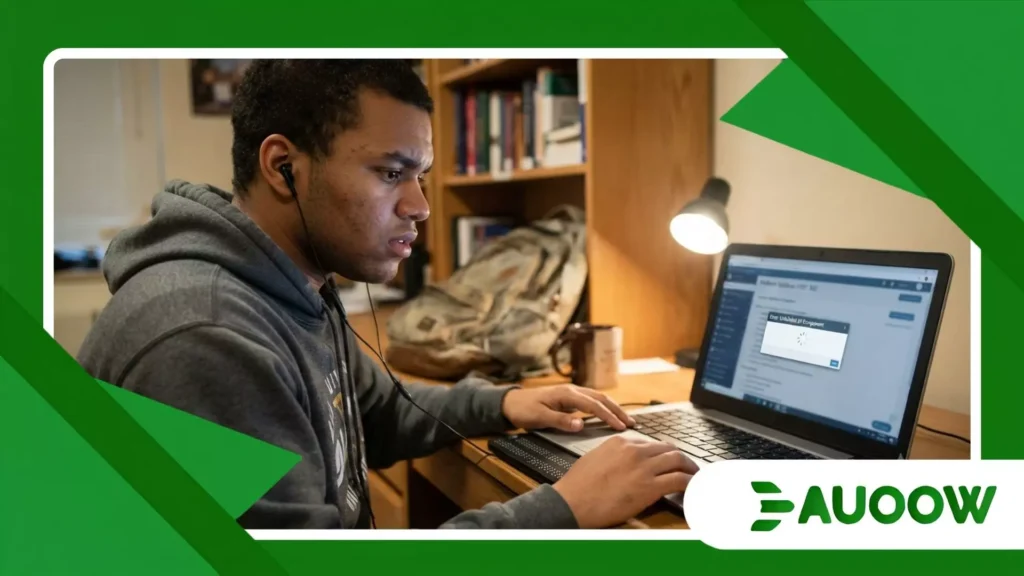
Instead, his software hit an unlabelled button, looped endlessly through a poorly coded navigation bar, and froze.
The university had technically provided the portal, but it had built a digital brick wall around the content.
Moments like this force us to look past marketing claims and ask a fundamental question about institutional infrastructure: are learning management systems truly accessible?
Before analyzing the architectural and social layers of this issue, it helps to understand where the current friction points lie.
The reality of modern digital education reveals a notable gap between corporate compliance checklists and the actual user experience of students with disabilities:
- The Compliance Mirage: Platforms often claim perfect adherence to global accessibility standards based on automated audits, yet real-world navigation frequently breaks down during daily usage.
- The Invisible Labor Shift: When systems fail to provide native accessibility, the burden of fixing, converting, or translating course materials shifts entirely onto the student or overworked campus disability offices.
- The Procurement Paradox: Educational institutions routinely purchase complex software suites based on administrative features and cost, treating accessibility as a secondary compliance box to tick rather than a core human requirement.
The Myth of the Universal Digital Classroom
When we observe how educational software is selected and deployed, a recurring pattern emerges. Large software developers design platforms to satisfy procurement officers, focus groups, and financial directors.
What rarially enters this debate is the daily, lived experience of a student who relies entirely on keyboard navigation or alternative inputs to submit an assignment before a midnight deadline.
The software suites designed to manage university courses have become the central nervous system of higher education.
They handle everything from grading rubrics to peer-to-peer discussions. Yet, when a system updates its interface to look sleeker, it often breaks the delicate scripts that screen readers use to interpret the page.
On paper, every major player in the market boasts certifications of compliance with international web standards.
On the ground, however, a student trying to open a timed quiz might find that the countdown timer fails to announce itself auditorily. This turns an ordinary academic assessment into an exercise in high-stress guesswork.
The structural flaw here is that accessibility is frequently treated as a patch a series of secondary updates applied after the core code has already been finalized.
When software developers view inclusive design as a technical chore rather than a foundational philosophy, the resulting user interface reflects that neglect.
A platform might allow a professor to upload a video, but if the interface makes adding accurate, synchronized captions a tedious five-step process, most instructors simply skip it.
The system technically possesses the feature, but human behavior and poor interface design render it practically useless.
++ How AI Tutors Are Changing Learning Opportunities for Students with Disabilities
Why Do Digital Barriers Persist in Higher Education?
To understand why these gaps remain so stubborn, we have to look at the economic and administrative incentives governing the educational technology sector.
In my reading of this scenario, the issue is rarely a lack of technical capability. Software engineers know how to build accessible forms, logical heading structures, and predictable navigation paths.
The breakdown happens because the buyers of learning management systems the university administrators and purchasing committees rarely prioritize these features during the bidding process.
There is a structural detail that costumer-facing marketing material tends to ignore: the separation between the person who pays for the software and the person who actually has to use it to learn.
When a university signs a multi-million-dollar, multi-year contract for a platform, they are looking at data security, enrollment scaling, and administrative dashboard metrics.
Accessibility is often relegated to a single signed addendum promising that the vendor will make reasonable efforts to meet legal guidelines.
Consequently, when a student encounters a barrier, the immediate response from the institution is rarely to demand a software fix from the vendor.
Instead, the university creates a workaround. They instruct a disability service worker to manually transcribe the document or request that the professor email the student a separate file.
This approach treats the student as an anomaly requiring an exception, rather than a full member of the academic community entitled to equal dignity within the primary digital environment.
What Actually Changed After Digital-First Learning?
The transition from physical classrooms to hybrid models altered the legal and social expectations placed on educational institutions.
It is worth examining what concrete shifts occurred when the primary site of education moved from a lecture hall to a web browser.
| Area of Impact | The Historic Baseline (Pre-2020) | The Present Reality (Post-Hybrid Shift) |
| Institutional Responsibility | Focused heavily on physical architecture like ramps, elevators, and braille signage. | Centered on software Procurement, digital asset remediation, and vendor accountability. |
| Faculty Expectations | Accommodations were seen as individual adjustments made for specific students on request. | Shifted toward proactive design principles where all uploaded media requires baseline accessibility. |
| Vendor Accountability | Platforms offered basic text-only modes that stripped away interactive elements. | Expected to provide fully integrated, rich interactive experiences accessible across all devices. |
| Student Agency | Students spent significant time traveling to campus labs to access specialized hardware. | Dependent on the home compatibility of web platforms with personal assistive software. |
When we look closely at this evolution, we see that the nature of exclusion changed.
A student no longer has to worry about a heavy library door or a broken elevator preventing them from attending a seminar. Now, the exclusion is quieter, cleaner, and entirely digital.
If a student cannot participate in a mandatory, real-time online discussion board because the platform’s chat feature resets screen-reader focus every time a new message arrives, they are just as effectively locked out of education as they would be by a flight of concrete stairs.
Also read: Inclusive Education in the Middle East: Emerging Opportunities
How Old Policies Shape Modern Digital Boundaries
The tension we see today is deeply rooted in how anti-discrimination laws have historical developed.
In the United States, Section 504 of the Rehabilitation Act of 1973 and the Americans with Disabilities Act of 1990 were drafted in an era dominated by brick-and-mortar infrastructure.
They were designed to ensure that a person in a wheelchair could get through the front door of a school and sit at a desk.
When these historic legal frameworks were stretched to cover online environments, a massive enforcement gap appeared.
Courts and regulatory bodies spent years debating whether a website qualified as a “place of public accommodation.”
While lawyers argued over definitions, educational software companies continued to iterate rapidly, building complex, JavaScript-heavy applications that left assistive technologies far behind.
The analysis most honest analysts offer suggests that our legal frameworks are perpetually playing catch-up with corporate software development cycles.
Even when updated regulations explicitly mandate digital compliance, enforcement mechanisms are slow and largely reactive. They rely heavily on an individual student filing a formal complaint.
This process requires an immense amount of time, energy, and emotional labor from a student who is already trying to manage their coursework.
By the time an investigation concludes or a settlement is reached, the student has often graduated or dropped out, and the platform has migrated to an entirely new version with a different set of unvetted features.
Read more: Africa’s Innovative Approaches to Inclusive Learning
Moving Past Simple Checklist Compliance
The path forward requires a fundamental shift in how we evaluate inclusion in educational technology.
True accessibility cannot be measured solely by an automated scanner running through a webpage and declaring that there are no missing alt-text fields. It must be measured by user autonomy and equity of experience.
If a student with a disability takes three times as long to navigate a standard weekly module within their learning management systems as a non-disabled peer, that system is not truly accessible.
It is merely compliant in the narrowest legal sense. The design creates an invisible time tax on disabled students, forcing them to spend hours wrestling with the interface before they can even begin engaging with the actual academic content.
To fix this, educational institutions must leverage their immense buying power.
If top-tier universities universally refused to sign software contracts unless vendors demonstrated authentic, user-tested accessibility at every stage of development, the market would adapt overnight.
Until administrators treat digital accessibility as a strict deal-breaker rather than an optional feature, software companies will continue to allocate their engineering resources toward flashier, highly marketable tools that do little to support an equitable learning environment.
Frequently Asked Questions
Can automated accessibility checkers guarantee a platform is fully usable?
No. Automated tools are useful for catching basic technical errors, such as missing image descriptions or poor color contrast.
However, they cannot evaluate whether a complex interactive tool, like an online science simulation or a discussion forum, makes sense or functions smoothly when using a screen reader or keyboard navigation. Real-world user testing with disabled individuals is the only way to ensure true usability.
Why do software updates often break existing accessibility features?
Educational platforms are updated frequently to introduce new styles, features, or security measures.
If the engineering teams do not integrate automated accessibility testing into their continuous deployment pipelines, new code can easily overwrite or disrupt the hidden labels and keyboard focus paths that assistive technologies rely on to navigate the page.
What is the distinction between accessibility and accommodation?
Accommodation is a reactive measure designed to help a specific student overcome a barrier in an inaccessible environment such as paying an editor to manually caption a video for a deaf student.
Accessibility is a proactive design approach that ensures the environment is built correctly from the beginning, meaning the video arrives pre-captioned for everyone, eliminating the need for special adjustments.
How do modern mobile learning apps compare to desktop systems?
While mobile devices often have excellent built-in accessibility features like native screen readers and zoom controls, the apps built by third-party educational vendors do not always utilize them correctly.
A mobile app might offer a cleaner layout, but it can still suffer from identical underlying flaws, such as unlabeled buttons and unreadable document formats, that hinder independent learning.
What role do individual professors play in ensuring digital course accessibility?
Professors are responsible for the content they upload into the framework.
Even if the underlying software is perfectly accessible, a course will remain exclusionary if an instructor uploads scanned PDFs that are unreadable by text-to-speech software, or assigns videos without captions.
True equity requires both an accessible platform architecture and inclusive content creation practices from faculty members.
