
How to Evaluate a Website’s Accessibility Before Using It
Understanding how to evaluate a website’s accessibility often starts not in a developer’s studio, but in the quiet frustration of a living room at seven in the evening.
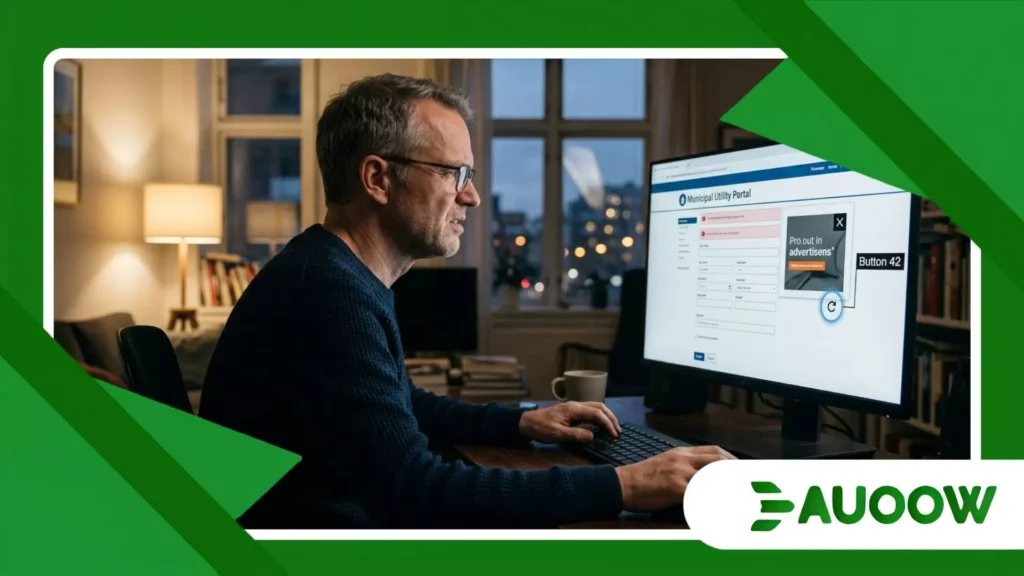
Consider Marcus, a freelance translator living with low vision, trying to pay a utility bill on a newly redesigned municipal portal.
The screen layout looks sleek to a sighted user, but Marcus’s screen reader stumbles immediately.
Unlabeled icon buttons announce themselves as “Button 42” and “Link,” while a floating promotion banner traps his keyboard focus in an endless loop.
What should have taken three minutes turns into forty-five minutes of unnecessary friction, forcing him to ask a neighbor for help with a routine personal task.
Stories like Marcus’s happen millions of times daily across the web.
We often treat internet browsing as a seamless utility, yet for millions of disabled individuals, entering a new website feels like stepping into a building without an accessible entrance.
Learning to assess digital spaces before relying on them is no longer just a technical exercise; it is a practical life skill in an increasingly online world.
What to Look For: A Quick Visual Checklist
- Navigational Clarity: Keyboard accessibility and logical focus indicators
- Visual Adaptability: Text contrast, scalability, and clean structure
- Media & Formats: Alternative text for images and captions for video
- Form Usability: Clear labels and helpful error notifications
Why Do Digital Barriers Persist in Modern Web Design?
When we observe how modern platforms are built, a quiet pattern repeats itself. Millions of dollars go toward user experience research, smooth animations, and rapid load times, yet fundamental access features remain an afterthought.
Digital exclusion is rarely intentional. Instead, it is the product of structural habits within software development. Speed is prioritized over universal usability.
Developers are frequently trained to design for ideal conditions fast broadband, modern displays, and typical sensory capabilities rather than the actual diversity of human experience.
This pattern cuts across sectors. A bank launches a feature-rich mobile app, but omits high-contrast modes.
A university updates its admissions site, but embeds crucial deadline information inside flattened PDF image files that screen readers cannot process.
These design choices reflect an older physical mindset. Decades ago, public buildings were constructed with steps at every main entrance, leaving wheelchair users with secondary access routes near loading docks.
Today, those same exclusionary structures are duplicated in digital code.
How Can You Test a Website’s Usability Without Advanced Tools?
You do not need a degree in computer science to understand whether a digital platform respects its users.
Knowing how to evaluate a website’s accessibility begins with a few straightforward, practical observations that anyone can perform in a browser.
++ Why Local Governments Play a Critical Role in Accessibility
Can You Navigate Using Only Your Keyboard?
Put your mouse aside for two minutes. Use the Tab key to move forward through the page, Shift + Tab to move backward, and the Enter key to select links or buttons.
Can you see where you are on the page? A visible box or highlight should surround the active element.
If your cursor disappears into invisible menus or gets stuck inside a pop-up window, the website fails a primary condition of universal design.
Also read: Why facial recognition accessibility raises daily access concerns
How Does the Page Handle Text Enlargement?
Try zooming your browser view to 200%. A thoughtfully constructed site will reflow its content smoothly, keeping text within the margins so you only need to scroll vertically.
If text overlaps, disappears off the edge, or forces horizontal scrolling across the screen, the underlying code lacks flexibility.
Read more: The rise of smart crosswalk accessibility in urban mobility plans
Are Images Accompanied by Descriptive Text?
Right-click an important graphic or image and inspect its properties, or use a basic browser preview mode.
Graphics that convey key information such as chart data or event dates must feature meaningful alternative text (alt text).
If an image is labeled as IMG_00492.jpg or left completely blank, a reader relying on auditory output receives zero context.
What Does Accessibility Look Like in Daily Public Life?
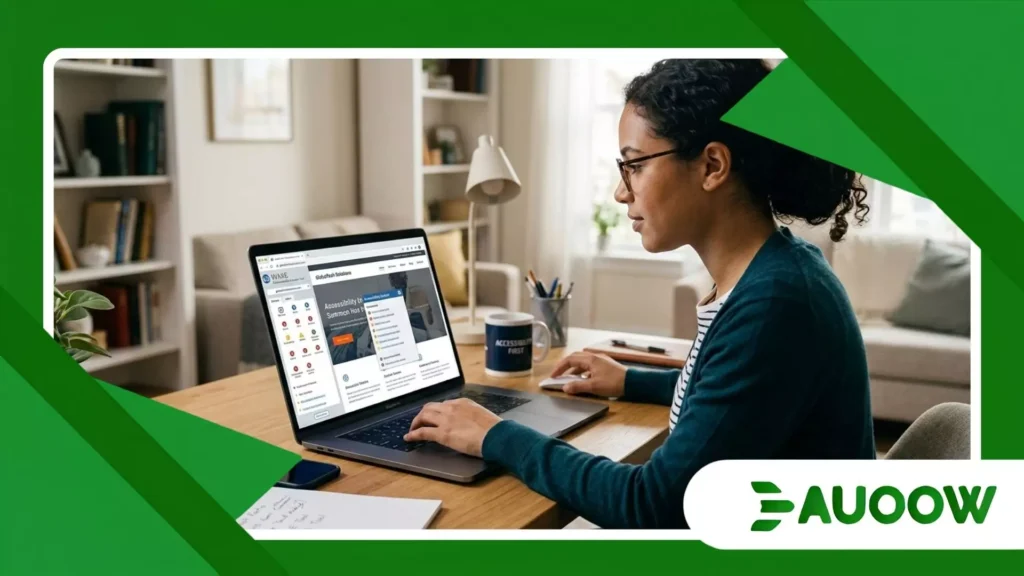
Consider a real-world scenario from higher education. A state university migrated its online student portal to a new learning management platform.
The administration celebrated the upgrade as a leap forward in campus technology.
However, during the first week of class, Elena, a second-year history student who is deaf, discovered that mandatory video lectures lacked synchronized captioning.
The automated transcription software chosen by the department generated incoherent phrasing, particularly for specialized academic terms.
At the same time, a classmate with a motor impairment could not submit assignments because the file drop-zone required precise drag-and-drop mouse movements that could not be executed via keyboard commands.
The university did not set out to isolate these students.
Yet, because evaluation happened after deployment rather than during procurement, the institution faced formal administrative complaints and costly emergency remediations.
Two students spent their first month of term fighting for basic access instead of focusing on their studies.
Is Regulatory Compliance Enough to Guarantee Inclusion?
There is a comfortable assumption that following guidelines automatically creates an inclusive website.
Across Europe and North America, standards like the Web Content Accessibility Guidelines (WCAG) and regional statutes set mandatory thresholds for public and private web services.
However, legal compliance does not guarantee a human-centered experience. Many organizations treat accessibility as an item on a legal risk checklist.
They run automated scanning software, correct the most obvious code errors, and consider the job done.
Automated testing tools typically catch only a portion of accessibility barriers often estimated around 30% to 40%.
An automated scanner can verify that an image has an alt attribute, but it cannot evaluate whether that description makes sense in context.
Understanding how to evaluate a website’s accessibility requires moving beyond simple automated scores.
It demands observing whether a real person can navigate, comprehend, and complete a task with independence and ease.
What Actually Changed After Digital Access Laws Expanded?
To understand where digital design stands today, it helps to look at how practical outcomes have shifted over time.
| Dimension | Past Approach (Compliance Focus) | Current Reality (User-Centered Focus) |
| Primary Motivation | Avoiding legal exposure and lawsuits | Improving overall user retention and reach |
| Testing Methodology | Periodic automated code scans | Continuous human user testing and audits |
| Remediation Strategy | Third-party overlay widgets | Core architectural redesigns |
| Responsibility | Assigned solely to IT departments | Shared across design, content, and engineering |
| User Impact | Minimal compliance; lingering barriers | Functional independence and seamless navigation |
How Do Overlay Widgets Impact the User Experience?
In recent years, a trend has swept across thousands of commercial websites: visual accessibility overlays.
These are small third-party plugins represented by a icon in the corner of the screen, promising automated adjustments.
While marketed as easy fixes, these tools frequently create more friction than they resolve.
Why Do Screen Reader Users Often Dislike Overlays?
Many blind users rely on customized assistive software built into their operating systems or devices.
When an automated overlay forces its own layer onto a page, it often conflicts with the user’s existing settings.
Instead of fixing underlying code errors, overlays place a temporary patch over a fractured foundation.
What Is the Difference Between Real Accessibility and Quick Fixes?
True digital access requires clean, semantic HTML code written directly into the site’s architecture.
When a platform relies on a one-click plugin, it usually indicates that the underlying core was not built with diverse user needs in mind.
What Structural Changes Will Shape the Future of the Web?
When we examine the trajectory of digital infrastructure, we see a growing realization that accessible design benefits everyone.
A parent holding a child benefits from single-handed keyboard shortcuts. A commuter on a noisy train relies on captions just as much as a deaf user does.
Someone recovering from eye surgery needs high-contrast text in the same way a person with age-related vision changes does.
Understanding how to evaluate a website’s accessibility empowers us to hold digital creators accountable and demand thoughtful engineering.
When users, clients, and organizations advocate for better standards, daily design norms shift.
The web was originally envisioned as an open, universal space for sharing human knowledge, human connection, and public resources.
Ensuring that this space remains genuinely welcoming requires ongoing attention, collaborative feedback, and an enduring commitment to building digital environments that respect human dignity at every step.
Frequently Asked Questions
Can an automated tool tell me if a website is fully accessible?
Automated tools help locate basic coding errors, such as missing tags or low contrast.
However, they cannot evaluate context, logical reading order, or overall user experience. Human testing remains essential for an accurate evaluation.
What is the quickest test I can perform on any website right now?
Try navigating the home page using only the Tab, Shift + Tab, and Enter keys on your keyboard.
If you can clearly see where your focus indicator is moving and can interact with all menus and forms without a mouse, the site has passed an important first step.
Do accessibility adjustments slow down website performance?
No. Websites built according to universal design standards usually load faster and perform better.
Clean semantic code, properly compressed media, and organized layouts reduce server load and improve overall site efficiency.
What should I do if I encounter an inaccessible public website?
Most official websites provide an accessibility statement with contact details. Reach out directly to their support team or webmaster to report the specific barrier.
Documenting the issue clearly helps engineering teams locate and fix the problem effectively.
